
Caveat: The best fix is not to need this. It is better to just use 16px (1rem) as your body text and input text as much as you can.
Most websites have their body text size at 1rem (16px). But sometimes a more compact site - or a view option - may make this smaller, such as 0.875rem (14px).
:root {
    --body-font-size: 0.875rem;
}
body {
    font-size: var(--body-font-size);
}
Then, in order to fit in, inputs on the page would also be inheriting that:
input {
    font-size: inherit;
}
The Problem on iOS Safari
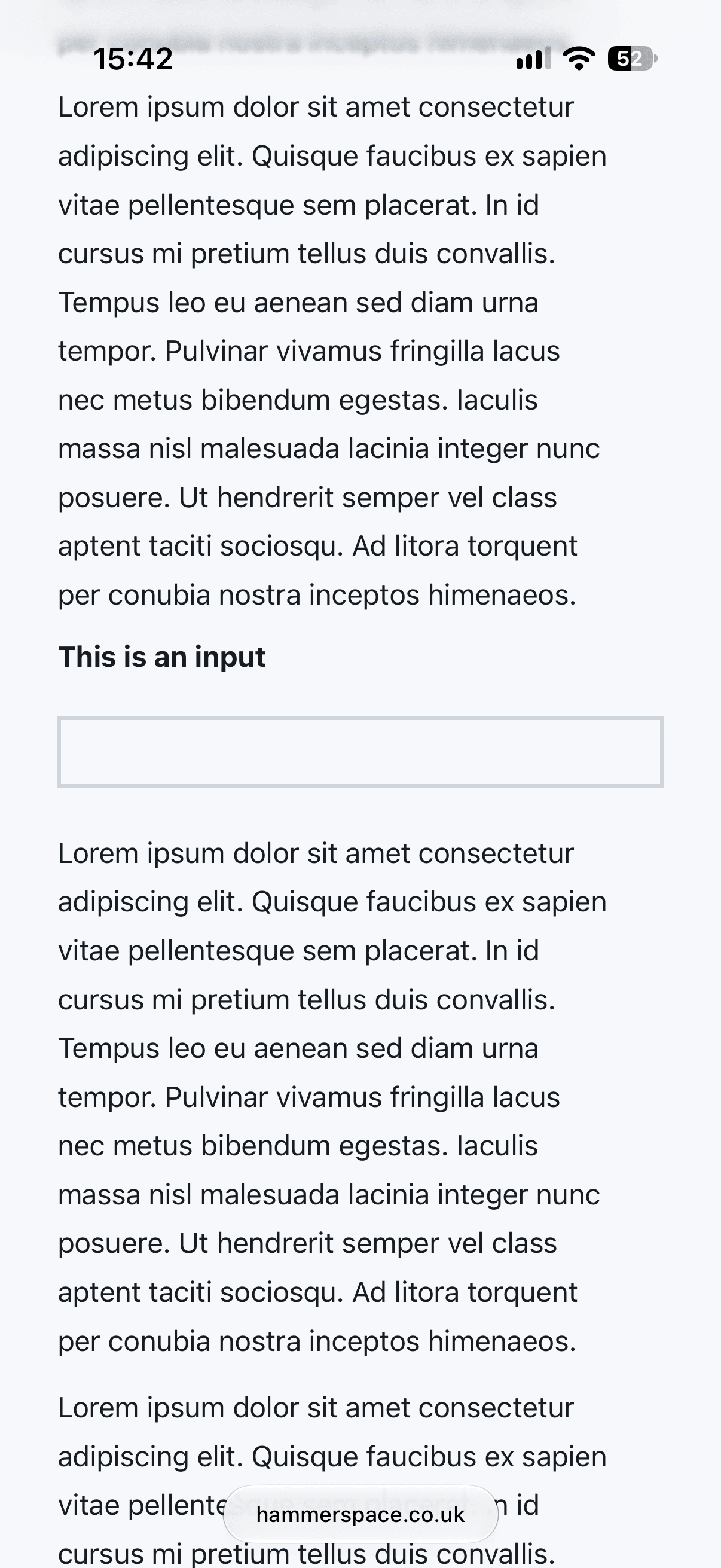
When using a text input with a font-size of less than 16px, as soon as the user taps into the box (bringing up the keyboard) the browser zooms in to bring the font-size back to 16px:
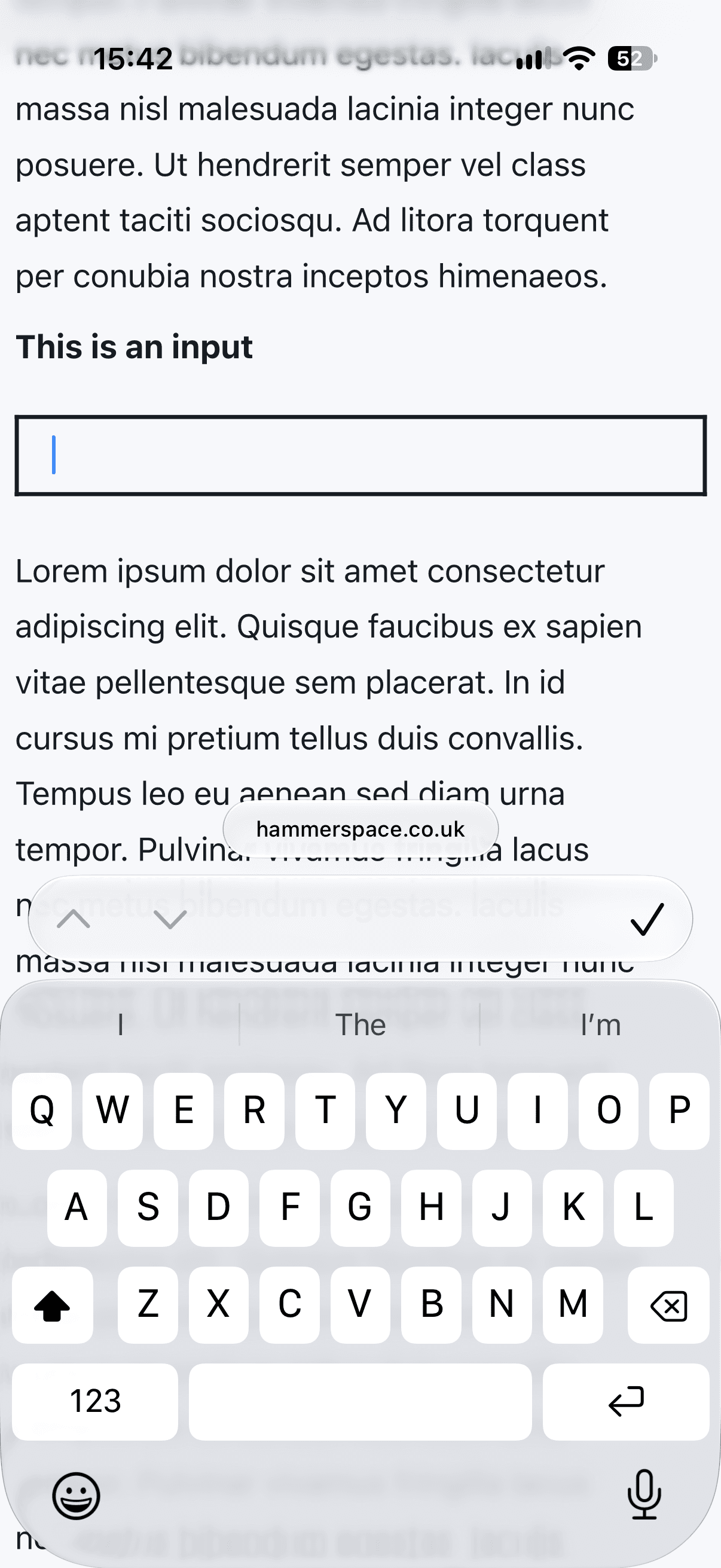
The zoom is meant to help the user, but the issue is that when the user is done with the text field and dismisses the keyboard, the page is left zoomed in, meaning it can now scroll horizontally.
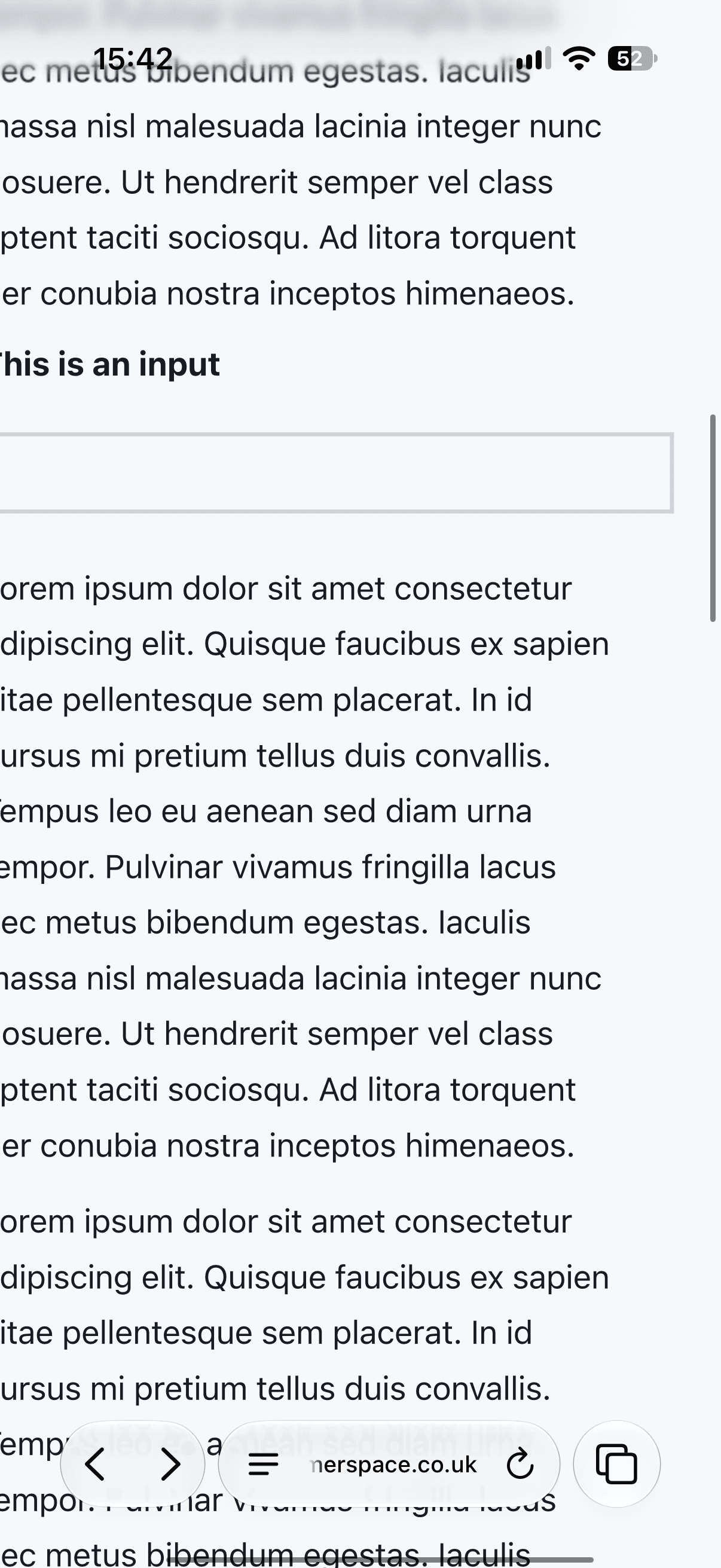
This behaviour can be irritating to users - I've been frustrated by it many times - as attempting to scroll can sometimes activate the horizontal direction, thereby blocking the vertical direction from working until it finishes or is cancelled. The user has to manually zoom back out to 1x to remove the horizontal option.
The proposed
scroll-axis-lockwill allow scrolling in both directions at once, but whether that is wise for the whole page is to be determined.
Workarounds
You might be tempted to prevent the page from zooming in by disabling user scaling:
<meta name="viewport" content="width=device-width, initial-scale=1, maximum-scale=1, user-scalable=0" />
Don't do this. Disabling scaling is actively user-hostile for those who need to zoom and see things bigger for whatever reason. Safari has decided to ignore `maximum-scale=1` for this reason, but Android continues to follow the spec so zoom is prevented there.
You should always use this as your <meta> value for best accessibility:
<meta name="viewport" content="width=device-width, initial-scale=1.0" />
If a user chooses to zoom in, then it is fine for horizontal scrolling to be present. The user knows what they did, and therefore how to undo it.
The issue we have in iOS Safari is that the user didn't perform the zoom - the browser did it automatically on focusing the input field.
A common suggestion is to make inputs 16px on mobile sizes, which is valid, but can violate your design system and look out of place next to the smaller body text everywhere. So what else can we do?
Hack
We can actually set the inputs to 16px but then use the font-size-adjust property to make the text smaller.
input {
    font-size: 1rem;
    font-size-adjust: calc(1ex / 1em * var(--body-font-size) / 1rem);
}
font-size-adjust doesn't take a simple scale factor; we need to find the correct ratio (without magic numbers):
The first ratio is how tall the font's lowercase letters (ex-height) are compared to its overall size (em-height). The second ratio is how big the body text should be relative to the root, for example 14px out of 16px. Multiplying them gives the x-height the text would have at the target body size, and font-size-adjust then scales it down to that.
Note
The calculation isn't precise, and therefore will not be pixel perfect, but it is mostly imperceptible to humans within a whole page. If it's not working for your font you can always fall back to a magic number - for example, on this page font-size-adjust: 0.455 achieves the same effect. You may also want to double-check if you need to adjust the input line-height for your specific use case.
Safari doesn't consider this scaling in its calculation (yet 🤞), so it still believes the font-size is 16px and brings up the keyboard without zooming:
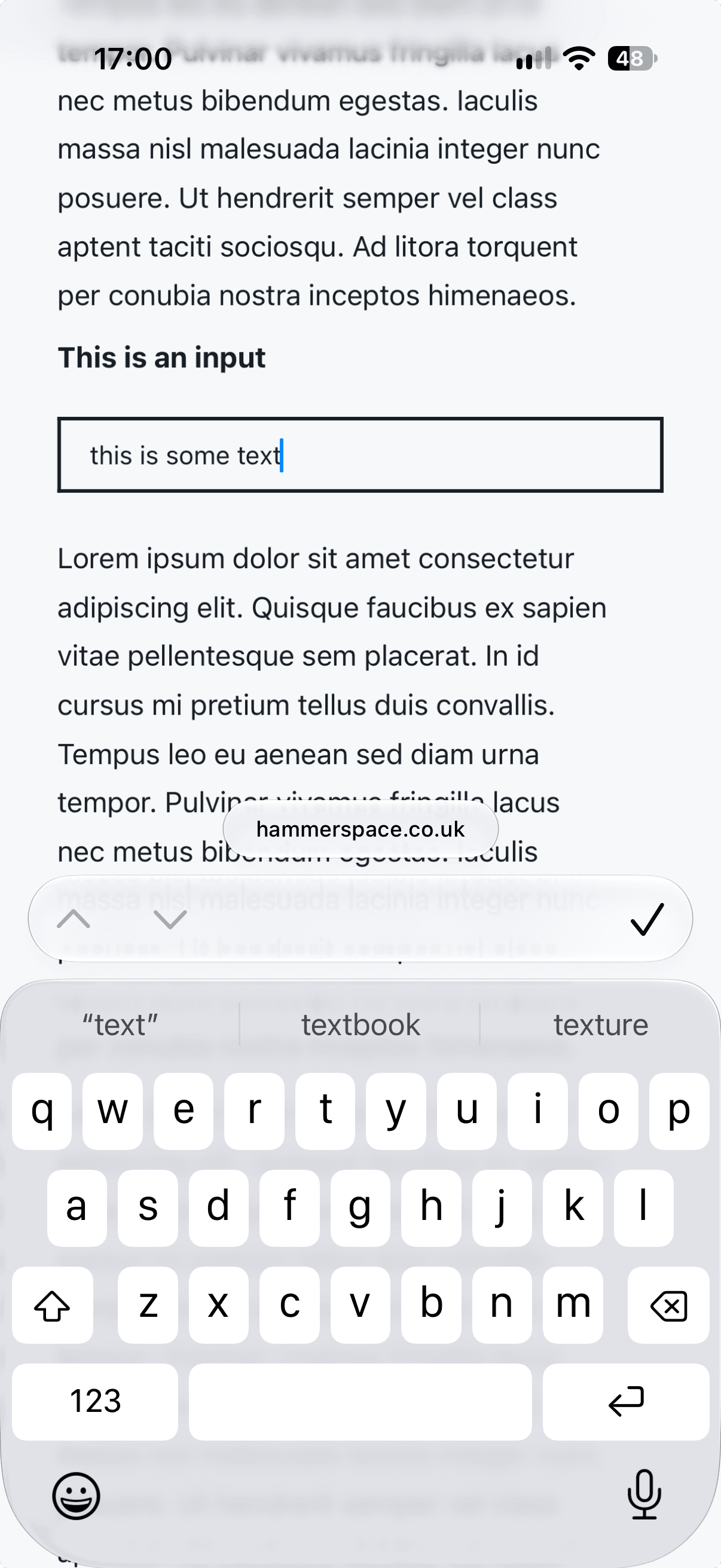
Hooray.
Full CSS
You will want to make sure this affects all textual input types, and to reduce risk of side effects in other browsers we can use an @supports and @media combo to limit it to just iOS Safari. This is the full snippet to put in your global CSS.
@supports (-webkit-touch-callout: none) {
  @media (pointer: coarse) {
    input:not(
      [type=checkbox],
      [type=radio],
      [type=range],
      [type=color],
      [type=file],
      [type=submit],
      [type=button],
      [type=reset],
      [type=image],
      [type=hidden]
    ),
    textarea,
    select {
      font-size: 1rem;
      font-size-adjust: calc(1ex / 1em * var(--body-font-size) / 1rem);
    }
  }
}
Next up, you'll want to make sure your site is respecting device preferred text scale - hence using rem.